
Welcome to the Kalima blog
A look at what we ship, what we learn, and how teams use live transcription and translation to work better together.
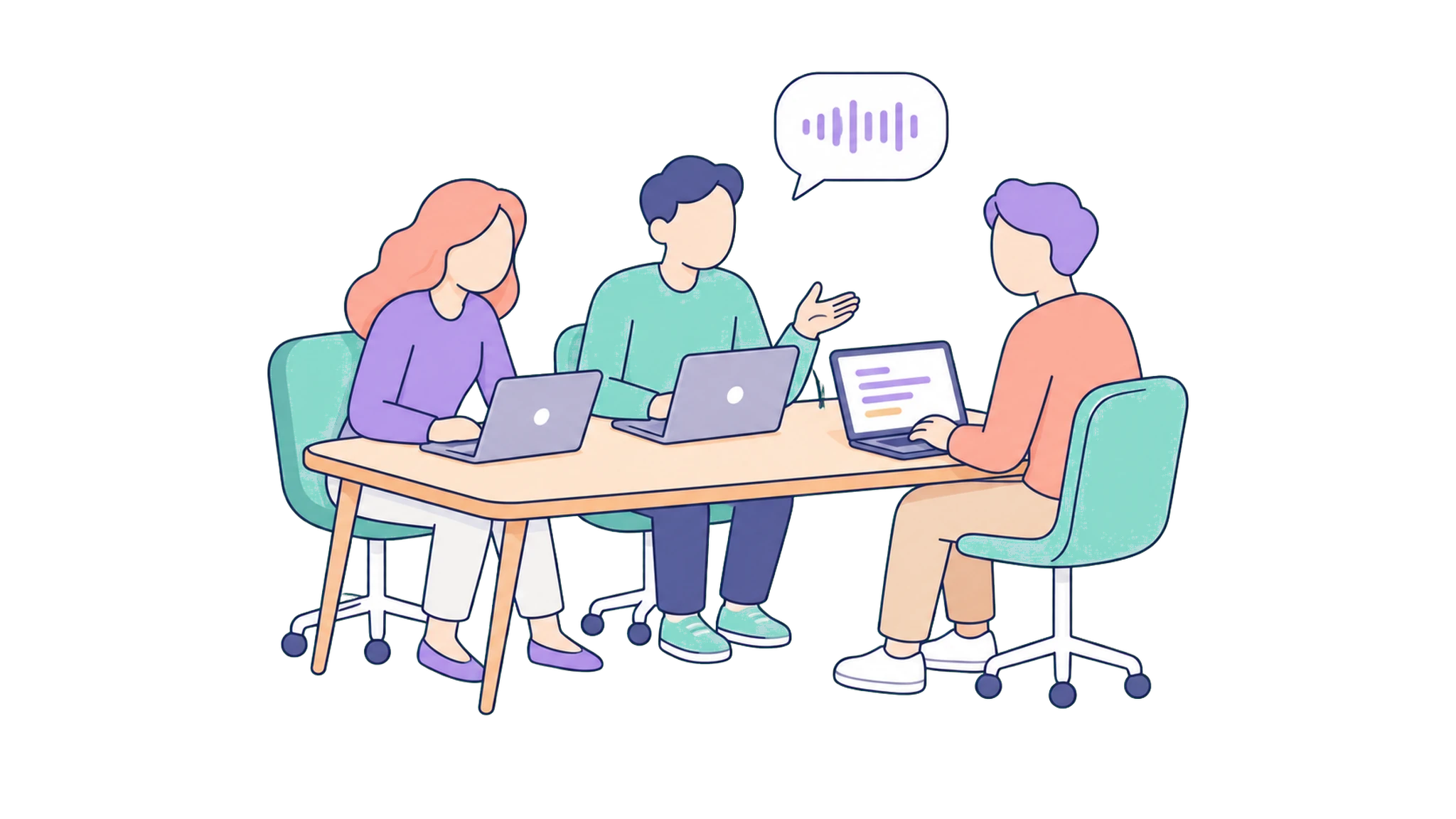
Kalima turns live conversations into text you can read, search, and translate as they happen. This blog is where we share the work behind that: new releases, the lessons we pick up along the way, and the ways teams put live transcription and translation to work.
What you'll find here
- Product updates: new features and improvements as they ship.
- Use-case stories: how meetings, sales, support, healthcare, and creator teams use Kalima day to day.
- Behind the scenes: engineering deep dives on latency, accuracy, and multilingual workflows.
Why now
Live transcription used to feel like a novelty. Now teams expect captions, transcripts, and translations to simply be there, the way spell-check and autosave are. Our job is to make that dependable: fast enough to keep up with the conversation, and private enough for the talks that actually matter.
More soon. We ship often.
Try Kalima on your next call.
Live transcription and translation, no bot in the meeting. Free to start.
Keep reading.
No Bot in Your Meeting
Most transcription tools send a bot to join your call. Kalima captures the audio already on your device, so there is no extra participant, no awkward consent moment, and no surprise guest in the room.
 Kalima TeamJune 12, 20265 min read
Live Captions That Keep Pace With the Conversation
Captions are only useful when they keep up. When words appear as they are spoken and highlight in step with the speaker, the whole room can follow along live.
Kalima TeamJune 5, 20264 min read
How to Capture Desktop Audio for Demos and Webinars
Your mic only hears the room. When you play a demo, a webinar clip, or shared media, desktop audio capture puts that sound into the transcript too, live and in the same record.
Kalima TeamJune 1, 20265 min read